Watching the Egyptian Premier League on a Smart TV — a match-night guide
Al Ahly, Zamalek, Pyramids, Al Masry, Ismaily — the Egyptian Premier League has a rhythm of its own: tightly packed rounds, mid-week fixtures and derbies nobody misses. Here is everything you need for steady playback on your TV or phone, from setup to fixing stutter.
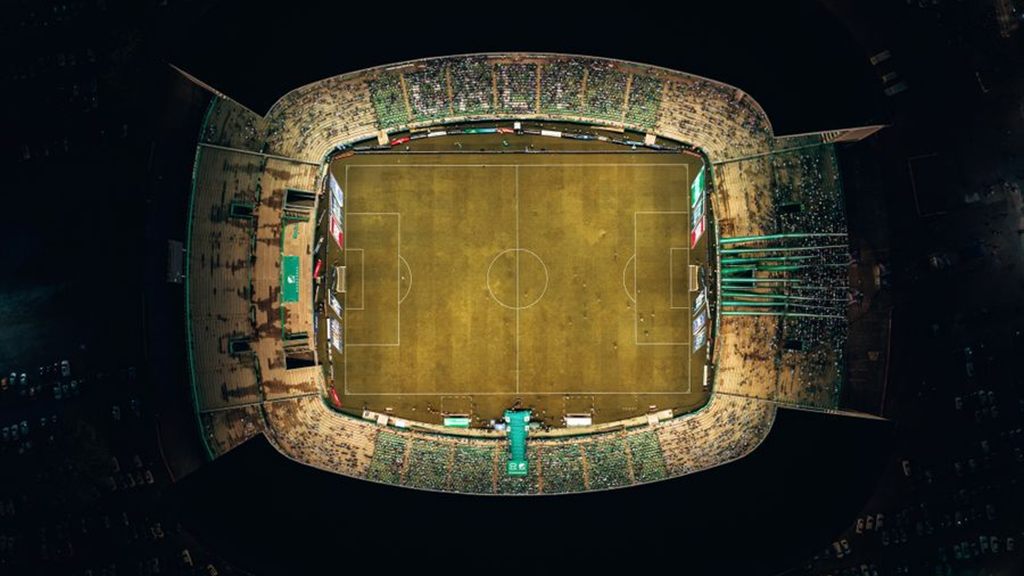
Why the Egyptian league needs a different kind of preparation
The Egyptian Premier League calendar is crowded: two matches on the same day, mid-week rounds, and evening kick-offs in Cairo time that coincide with peak home internet use. The Ahly–Zamalek derby in particular puts pressure on everything — the home network, mobile data on the street, and your patience in the final minutes. So we start from the basics: an app that is installed and tested, a connection measured on the viewing device itself, and quality set to what the line can carry.
How to watch the Egyptian Premier League on each device
- Smart TV (Samsung / LG / Android TV / Google TV)
Open the TV’s app store, install a compatible player app, then enter the subscription details you receive after payment. Start on automatic quality and raise it once the connection proves steady.
- Fire TV Stick and Android devices
Install the app from the Amazon or Google Play store, enter your details, and pin the app to the first row of the home screen so it is one click away on match day.
- iPhone, iPad and Apple TV
Use a compatible player from the App Store, and turn on picture-in-picture where available so the match keeps playing while you use other apps.
- Computer and laptop
Play through a compatible desktop app or a player that supports playlists. Use an Ethernet cable where you can — steadier than Wi-Fi on match nights.
The right internet speed for Egyptian Premier League matches
We suggest 15 Mbps for high definition and 30 Mbps for 4K channels. What matters is the speed that reaches the viewing device itself, not the figure on your internet contract. An Ethernet cable or 5GHz Wi-Fi gives the steadiest result.
Match-night checklist
- Test playback at least an hour before kick-off, not a minute before it.
- Pause downloads, games and video calls on the same network during the match.
- On Wi-Fi, move closer to the router or use the 5GHz band at short range.
- Start in HD and switch to 4K when the connection holds — higher quality needs more data.
- Keep your subscription details private; never share them in public groups.
- If it stutters: restart the app first, then the router, then switch bands — one change at a time.
Fixing buffering during Egyptian Premier League matches
Usually congestion on the home network. Pause downloads, move the device closer to the router, and drop the quality one step for a while.
Restart the app. If it persists, switch the video player in the app’s settings where that option exists.
Try another channel first. If nothing plays, it is the connection or the details — message us on WhatsApp with your device and app.
Final quality depends on the source, your screen and your connection speed. Make sure the app is set to its highest quality and the connection can carry it.
Egyptian Premier League viewing — frequently asked questions
How do I watch Egyptian Premier League matches on a Smart TV?
Install a compatible player from the TV’s app store (Samsung, LG or Android TV), enter the subscription details you receive after payment, and start on automatic quality. Check your device guide before ordering.
Is home internet in Egypt enough for high-quality matches?
What matters is the real, steady speed reaching the viewing device — not the figure on the package. A stable 15 Mbps is enough for high definition. Test it on the TV itself at match time.
How do I follow Al Ahly vs Zamalek on my phone?
Through a compatible app on Android or iPhone. On mobile data, quality depends on signal strength where you are — start on medium quality and raise it if the connection holds.
The stream stutters in the final minutes — what do I do?
Usually network congestion. Pause downloads and calls, move the device closer to the router, and drop the quality one step for a while. If it happens every match, message us with your device and app.
Can I play on more than one device at home?
We help you set up on two devices, with playback on one device at a time. If you need more than one screen, ask before ordering.
Is the Egyptian Premier League included in the plan?
Competition availability varies by source and plan. If the Egyptian league is the reason you are subscribing, message us on WhatsApp and we confirm before you pay.
Competition and channel availability varies by source and plan, and picture quality and stability depend on your device and connection speed. If one competition is the reason you are subscribing, ask us about it on WhatsApp before you order.
Ready for derby night?
Pick a subscription length and we will help you set up your device before kick-off.
Read next
 Viewing guideWatching the CAF Champions League on a Smart TV in high quality — a match-night guide
 Subscriber guideIPTV subscription in Egypt: the complete guide before you buy — home internet, common devices and what to expect
 Seasonal guideRamadan 2027 series on your screen: getting the home ready for the biggest viewing season of the year
 Viewing guideWatching the Saudi Pro League on your screen in high quality — a match-night guide
 Viewing guideWatching the Champions League in 4K on your screen — a match-night guide
 Viewing guideWatching the Premier League in 4K on your screen — a match-night guide