IPTV subscription in the UK: the complete guide before you buy — internet, devices and timing
In London, Manchester, Birmingham or anywhere in the UK, you want the Saudi and Egyptian leagues, the Premier League, the Champions League and Arabic series on your screen. This guide covers what is specific to the UK: full fibre and cable, the devices that suit a British home, match times in UK time, and ordering and paying in pounds with Arabic support.

What is different about viewing from the UK?
Timing first: the UK is three hours behind the Gulf (two in summer), so Saudi and Egyptian matches fall in the afternoon and early evening in UK time — you watch them and still catch the Premier League in the evening. Second: home internet ranges from fast-spreading full fibre to cable and old ADSL, and the difference in stability is large. Third: the Fire TV Stick is the most common device in British homes, and our official apps run on it directly.
Internet in the UK: full fibre and cable
- Full fibre: spreading fast; the steadiest for 4K and long viewing where it is available at your address.
- Cable: high speeds with possible evening fluctuation — start in HD and raise it.
- Fibre to the cabinet (FTTC) and ADSL: enough for high definition if the connection is steady; measure the real evening speed.
- In houses with floors: a router downstairs and a TV upstairs need a mesh network or a cable — not a cheap extender.
- Mobile plans range from capped to unlimited; watch the usage in the first week if you view on the phone.
The common devices in British homes
The Fire TV Stick is in almost every home, and our official apps install on it with a short code from the apps page (Fire TV guide). Samsung and LG TVs work with a player from the TV’s store activated by MAC with no typing (Samsung guide · LG guide). If your screen is old or the provider box is closed, a small external device solves it — the buying guide compares the options. Every device has a step-by-step guide in the setup hub.
Timing: when the competitions kick off in UK time
- Saudi Pro League: usually between 3 and 6 p.m. UK time.
- Egyptian Premier League: afternoon and early evening in UK time.
- Premier League: Saturday 12:30, 15:00 and 17:30, Sunday 14:00 and 16:30 mostly — your local time.
- Champions League: mostly 20:00 UK time, some matches at 17:45.
- Ramadan: iftar in February 2027 around half past five in the evening — see the Ramadan series guide.
How to order and pay from the UK
Pick pounds sterling in the currency switcher at the top of the site, then the subscription length in the store, and complete the order; it is confirmed on WhatsApp and your details reach you in the method that suits your device (Xtream Codes for our official apps, or MAC activation for Samsung and LG players). We help you set up on two devices, with playback on one device at a time. Support is on WhatsApp in Arabic round the clock.
Start with your device
- Fire TV Stick
Our official apps through Downloader with a short code. The Fire TV guide.
- A Samsung or LG TV
A store player activated by MAC — no typing. The Samsung guide and the LG guide.
- An Android box or Android TV
Our official apps through Downloader, and an Ethernet cable for upper floors. The Android TV guide.
- iPhone and Android
A compatible app, with medium quality on mobile data. The iPhone guide and the Android guide.
The right internet speed in the UK
A steady 15 Mbps for high definition and 30 Mbps for 4K at the TV itself. Full fibre or a stable cable line reaches 4K easily; a steady ADSL line is enough for high definition. In houses with floors, a mesh network or a cable is what carries the speed upstairs.
Before you order
- Know your device and its system — it decides the setup method.
- Measure the speed on the TV at 8 p.m.
- If the TV is on another floor: a mesh network or a cable before subscribing.
- Pick pounds in the currency switcher so the prices show in pounds.
- If a specific competition is the reason you are subscribing: ask us about it on WhatsApp before paying.
- Keep your subscription details private; never share them in public groups.
The most frequent problems in the UK and their fixes
Wi-Fi does not travel well between floors. A mesh network, a cable, or a Fire TV Stick with an Ethernet adapter.
Peak congestion. Drop the quality one step for the first twenty minutes, and pause downloads on the network.
Convert the schedule to UK time in advance, and add the channels to favourites so they are one press away on the phone.
Try the other supported players, or a Fire TV Stick on an HDMI port. Message us with the model.
Frequently asked questions from subscribers in the UK
When does the Saudi Pro League start in UK time?
Usually between 3 and 6 p.m. See the Saudi Pro League guide.
Is a Fire TV Stick enough for a 4K screen?
The 4K version, yes. The basic version shows up to Full HD and is enough for HD screens. See the buying guide.
Is ADSL enough?
For high definition, yes with a steady 15 Mbps at the device. For 4K you need a steady 30 Mbps — full fibre or a stable cable line.
Can I pay in pounds?
Yes — pick pounds sterling in the currency switcher at the top of the site and the prices show in pounds before you order.
How many devices can play at the same time?
We help you set up on two devices, with playback on one device at a time. If you need more than one screen, ask before ordering.
Is support in Arabic?
Yes, on WhatsApp round the clock, with you step by step until the stream works — whatever the time difference.
Internet speeds and service availability vary by city, provider and package, and competition and channel availability varies by source and plan. Picture quality and stability depend on your device and your connection speed. Ask us on WhatsApp about any detail before you order.
Ready to subscribe from the UK?
Pick the subscription length that suits you in pounds, and we set it up with you on your device before the first match.
Read next
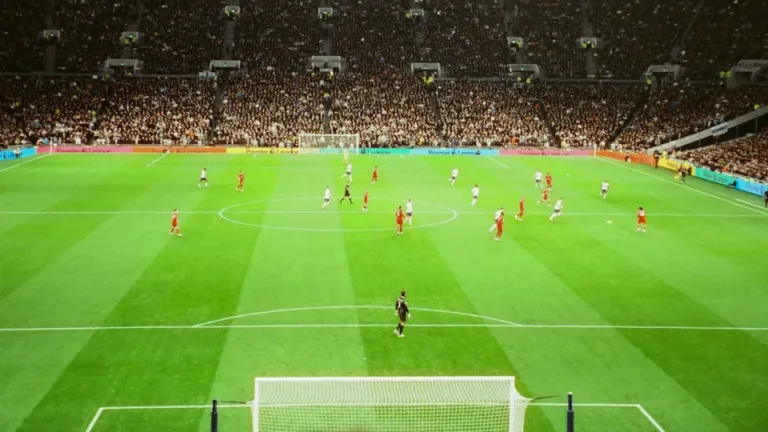 Viewing guideWatching the Premier League in 4K on your screen — a match-night guide
 Viewing guideWatching the Champions League in 4K on your screen — a match-night guide
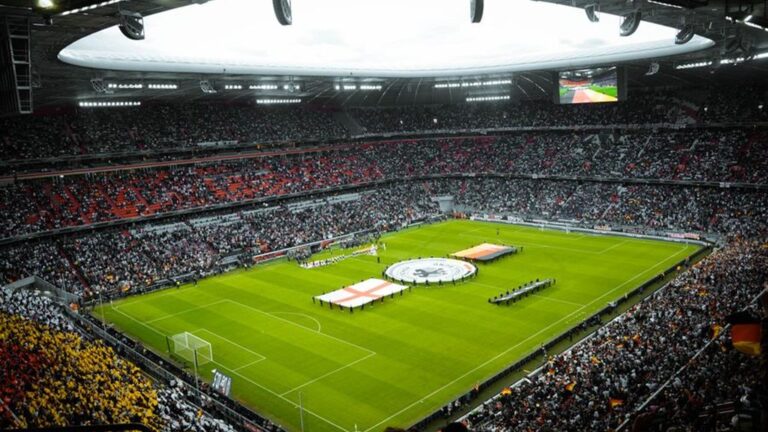 Viewing guideWatching the Saudi Pro League on your screen in high quality — a match-night guide
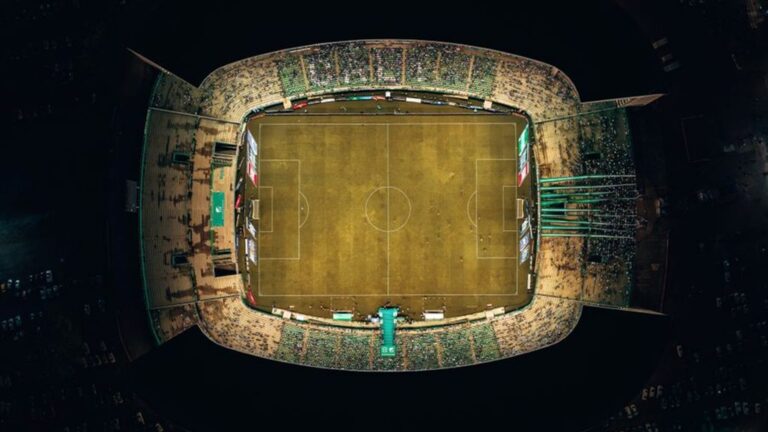 Viewing guideWatching the Egyptian Premier League on a Smart TV — a match-night guide
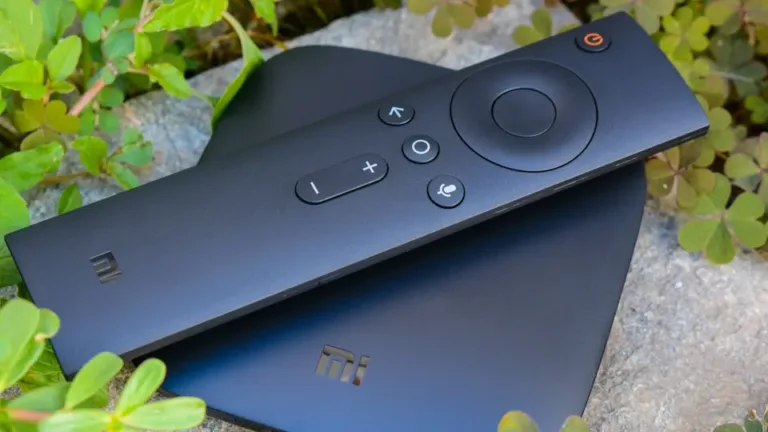 Buying guideFire TV Stick, Android box or Apple TV? Which external device to buy for your TV
 Setup guideSetting up your subscription on iPhone, iPad and Apple TV — a step-by-step guide